

Description
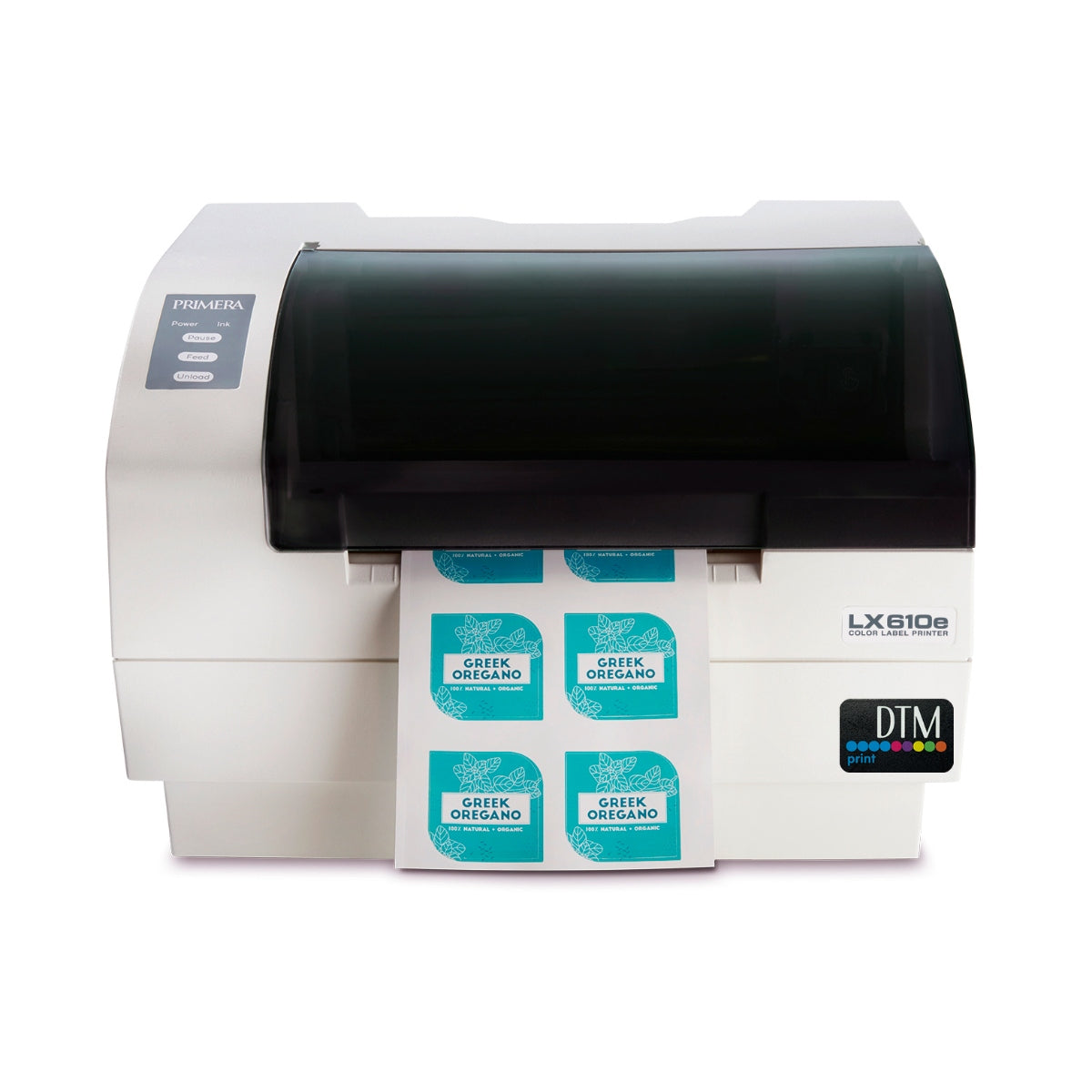
LX610e Color Label Printer – label printer that prints and die-cuts
The LX610e Color Label Printer from Primera combines high-resolution colour printing with precise digital die-cutting. You print and cut labels in the shape and size you want in one process, without custom dies or separate finishing machines. The printer is made for businesses that want to produce their own labels in small and medium runs, such as breweries, food and beverage producers, cosmetics makers and other small-scale producers. It is made to order, with price on request.
Please note: This product is only available in Norway.
With a print resolution of up to 4800 dpi, you get sharp details and strong colours. The built-in digital die-cutter makes labels in almost any shape. Import your design into the included software and add contour cuts around the graphics, or choose ready-made shapes such as circles, squares, stars and rectangles.
Features
- label printing and die-cutting in one process
- built-in digital die-cutting for labels in any shape
- print resolution up to 4800 dpi
- dye- or pigment-based ink
- automatic contour tracing and precise cutting
- desktop size for in-house production
Software
PTCreate™ Pro is included. Among other things, it offers:
- import of PSD, AI and PDF
- layer-based design
- contour cutting around graphics
- automatic shape tracing
- export and customisation of label files
Materials and inks
The LX610e can use several types of label material:
- glossy and matte paper
- polyester
- polypropylene
- transparent label material
You can choose between two types of ink:
- Dye-based ink gives strong, vivid colours and suits products where graphics and design come first.
- Pigment-based ink is more resistant to water and UV light and suits labels that must withstand harsh conditions.
Frequently asked questions about the LX610e
Can the LX610e both print and cut labels?
Yes. The printer prints and die-cuts the labels in one process, so you need neither custom dies nor separate finishing machines.
Which ink should I choose?
Dye-based ink gives the strongest colours. Pigment-based ink is more resistant to water and sunlight and suits bottles kept in a fridge, an ice bucket or outdoors.
Which files can I use?
PTCreate Pro imports PSD, AI and PDF. You can work with layers, add contour cuts around the graphics and trace complex shapes automatically.
What does the LX610e cost?
The printer is made to order with price on request. Contact us for price and delivery time.
Related