


Description
Milwaukee MW600 PRO – dissolved oxygen meter
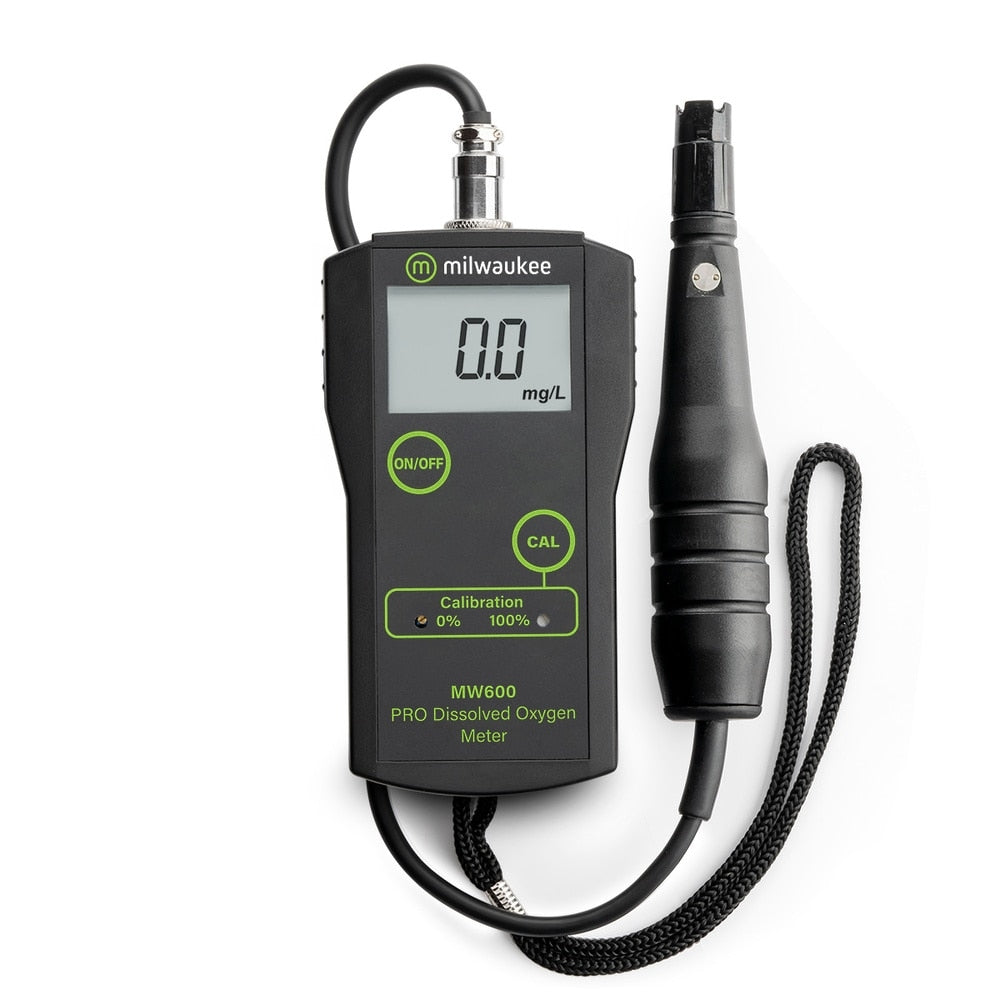
The Milwaukee MW600 PRO is a portable meter for dissolved oxygen (DO) in liquids. In brewing it is used, among other things, to check that the wort has received enough oxygen before the yeast is pitched, and to monitor oxygen in finished beer. The meter has a large digital LCD display, is light and portable, and uses a simple two-point open-air calibration.
The meter uses the MA840 probe, a reinforced polarographic probe with an oxygen-permeable PTFE membrane. The probe cable is 10 feet (approx. 3 m) long for easy access when testing.
Features
- Fast, easy-to-read results on a large LCD display
- Accuracy ±1.5% of full scale
- Simple two-point open-air calibration
- Automatic temperature compensation, 0–30 °C
- Approx. 70 hours of battery life in continuous use, with low-battery warning
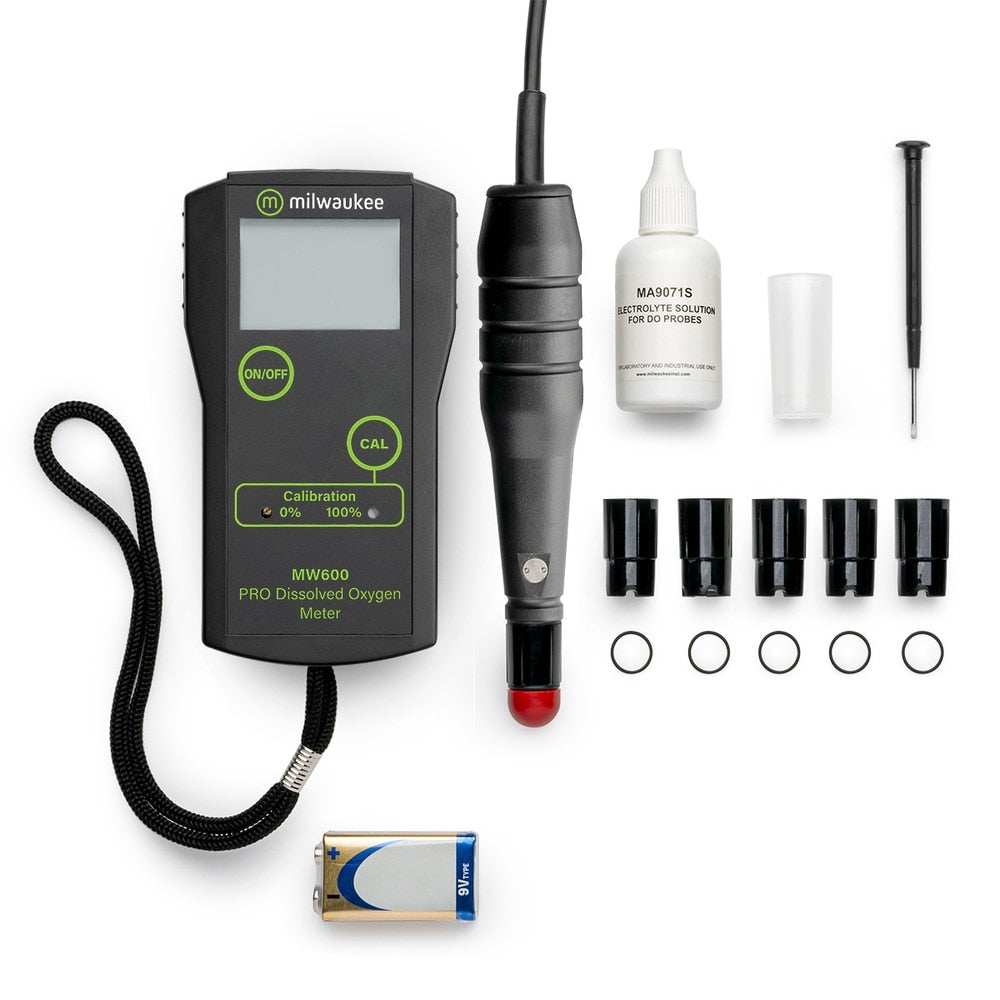
- Supplied with probe, 5 membranes, 5 O-rings, protective cap and battery
How to calibrate the MW600 in open air
- Remove the membrane. Unscrew the membrane from the end of the probe and dry the diode.
- Zero the display. Connect the probe to the meter and switch it on. The display should read 0.0. If not, use the supplied screwdriver in the hole marked "0" on the front until the display reads 0.0.
- Fill the membrane. Place the O-ring inside the membrane on the shoulder at the base of the threads. Fill the membrane with MA9071 electrolyte to just short of the O-ring. Make sure there are no air bubbles in the membrane. Air bubbles are the main cause of calibration failure.
- Attach the membrane. Screw the membrane onto the probe.
- Let it stabilise. Switch on the meter and let the probe hang down over the edge of a table until the display is stable. This may take 5–15 minutes.
- Adjust. Hold down the "Cal" button and use the screwdriver in the hole marked "100%" until the display reads 100.
The meter is now calibrated. Replace the membrane if you see wrinkles or stretch marks, and always use fresh electrolyte (MA9071).
Download the temperature compensation worksheet (XLS)
Enter the water temperature and the reading from the display, and the worksheet calculates a temperature-compensated DO value.
Technical data
- O2 range: 0.0–19.9 mg/L
- Resolution: 0.1 mg/L
- Accuracy: ±1.5% of full scale
- Calibration: manual, two points (zero and slope)
- Temperature compensation: automatic, 0–30 °C
- Probe: MA840 refillable polarographic probe (included)
- Membranes: 5 included
- Operating environment: 0–50 °C, max 95% RH
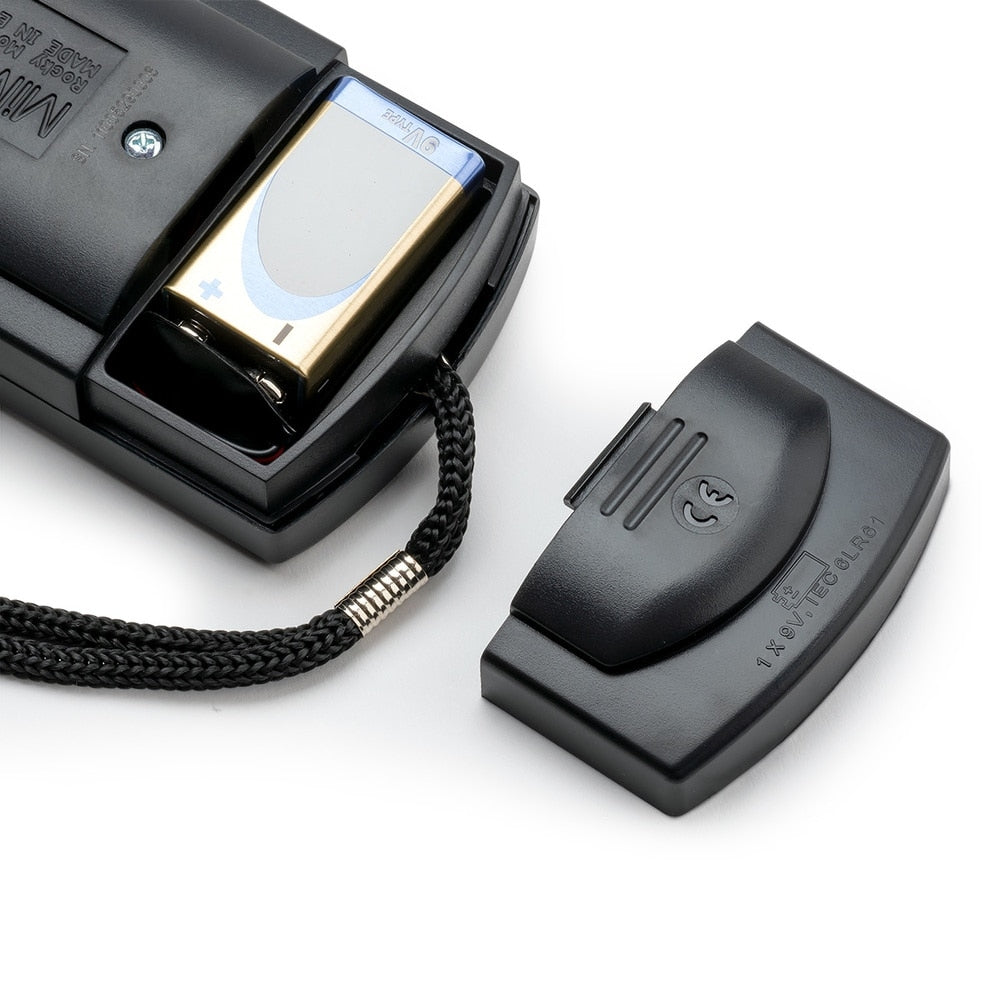
- Battery: 1 × 9 V alkaline (included), approx. 70 hours continuous use
- Dimensions: 5.7 × 3.1 × 1.6 inches (approx. 145 × 79 × 41 mm)
- Weight: 7.5 ounces (approx. 213 g) with battery
Frequently asked questions about the Milwaukee MW600 PRO
Why measure oxygen in wort?
Yeast needs oxygen to multiply. Too little oxygen can lead to sluggish fermentation, poor attenuation and off-flavours. Brewshop recommends about 8 ppm for ales up to OG 1.060 and 14 ppm for stronger ales and lagers. 1 ppm equals 1 mg/L, and the MW600 measures up to 19.9 mg/L.
How is the MW600 calibrated?
The meter is calibrated manually in open air at two points: zero and 100%. The procedure is described step by step above.
Does the meter have temperature compensation?
Yes. The MW600 has automatic temperature compensation from 0 to 30 °C. Milwaukee also offers a temperature compensation worksheet to download.
What is included?
The meter comes with the MA840 probe, 5 membranes, 5 O-rings, a protective cap and a 9 V battery.
Related
Betaling
Your payment information is processed securely. We do not store credit card details nor have access to your credit card information.